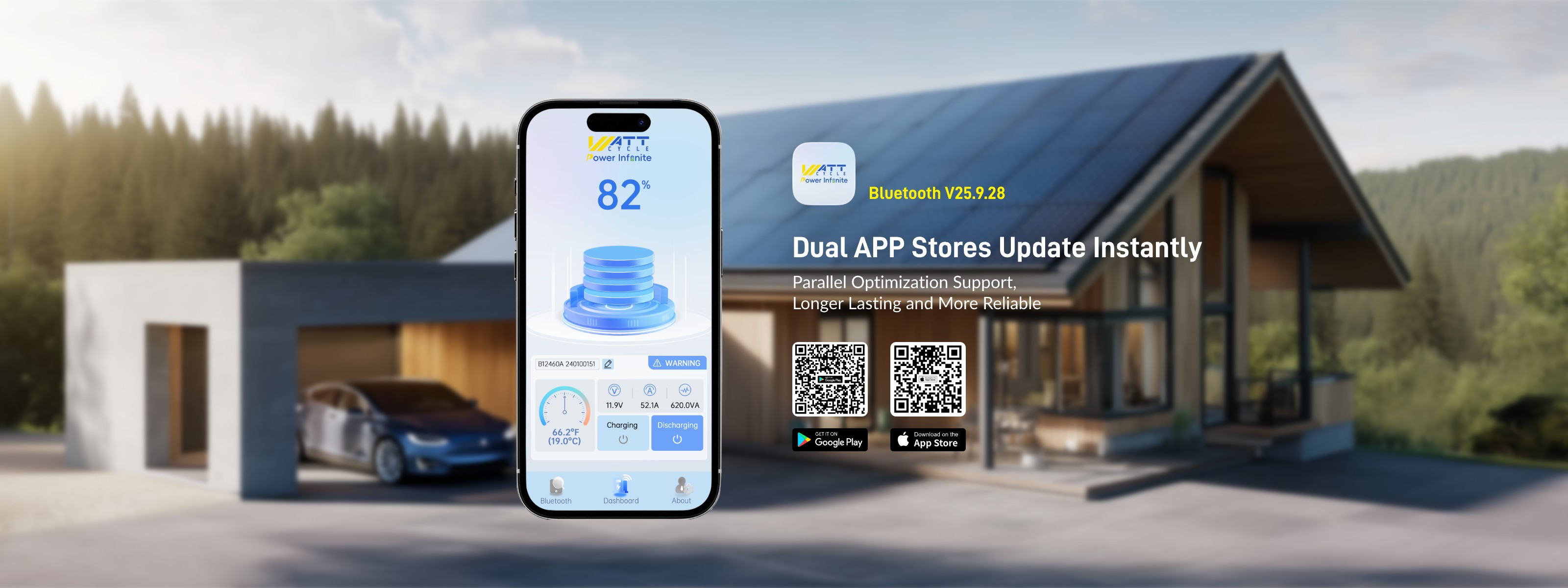
So - after reading about the new shiny app to be released in november, it finally arrived on my phone yesterday. Updated the app and rusted to the boat to test it out - but :
Apparently, you need to "bind" the battery to the app by scanning the bar code on the battery. Since my battery is located deep in a storage compartment, it was quite a struggle to get to the barcode. The scanning process failed - even when I put up some extra light to better see the code.
I then took a picture of the barcode, end manually entered the number just below the barcode. The app returned an error saying it is an unknown serial. What is the correct serial number format ?
Honestly - I am regretting my purchase. The BMS and APP combo is such a mess.
Why are you going down the "device binding" road, when the rest of the industry is using PIN codes ? What about BLE instant readouts ( like Victron ) ? How can I see which devices are bound to my battery - and how do I remove a device ? Is there a manual somewhere - perhaps even describing the technical details of the software disaster ?
I have ready access to my batteries. Unfortunately Wattcycle provides no manual or support for the new app and it doesn't work . I don't know if I already have an account and should use forgot password or if I need a new account. But neither option works, as both generate internal server errors.
It appears that Wattcycle does an excellent job assembling its batteries. But they use a junk bms with no way to reset it and they cannot manage the app.
I had issues with the app login, unable to create account, and I sent an email. Tried again later and it now works. Was able to bind my batteries, but the bar code scanner is very slow so it took several attempts. A PIN would be much easier.
The update also lost my battery names, so hopefully this will be fixed. A display that showed status of multiple batteries without having to connect to each one, similar to Victron would be much more useful.
Can't you use the battery without binding? I have been comission charging and finding that information is hard enough, but perhaps it's easy like they say, "hook it up to your alternator." haha
@Geoffrey Bove You seem to be able to use it for 5 minutes but I don't think you can change anything. Making an account and binding the batteries took my almost 45 minutes. The camera scalling worked on two of three batteries and I had to manually type in the huge long serial number on one of my batteries.
Так і не зміг створити обліковий запис. Постійно злітає привязування батареї, не розумію навіщо вмикати місцезнаходження на телефоні при роботі на блютуз, в інших акумах такого немає.
Для того, щоб одноразово подивитися параметри, це кожного разу займає 5 хвилин підключення😞
I have installed the app and registered the purchase (one 314 mini BT) but can not get the app to recognize the battery. There is voltage (13.2v) on the terminals. I am hesitate to install it if the BT does not work. If I have to return it, I would have uninstall it (and reinstall the previous lead acid batteries). As mentioned in other posts, the app/BT instructions are not very clear. Any suggestions? Thanks, Buck
@buckster I uninstalled the WattCycle app (25.12.13) then reinstalled it. While logging in, I allowed the app to use the Bluetooth on the phone. I was able to connect to the battery and bind it to the app. I'll be installing it into my motorhome.
I have a new Battery delivered in March 2026 and the App version is 25.13.1 and can report my experience is bad. Connecting and binding with manual serial number is OK but the app reports a "Battery cells malfunction" and will not charge. It was delivered with 59% SOC but cherger refused to even detect it. Service told me to restart the BMS and dischage it which I did overnight down to 17% SOC. Connected my Lithium charger and it did move to second phase of charge but the battery is still at 17% SOC after 9 Hours charging. Have not had a problem with other LiFePO4 batteries but thought I would give the WattCycle ones a go after Will Prowse said they were well made. His reputation with me is in tatters as is WattCycle. Gonna send it back and get something else !!!